


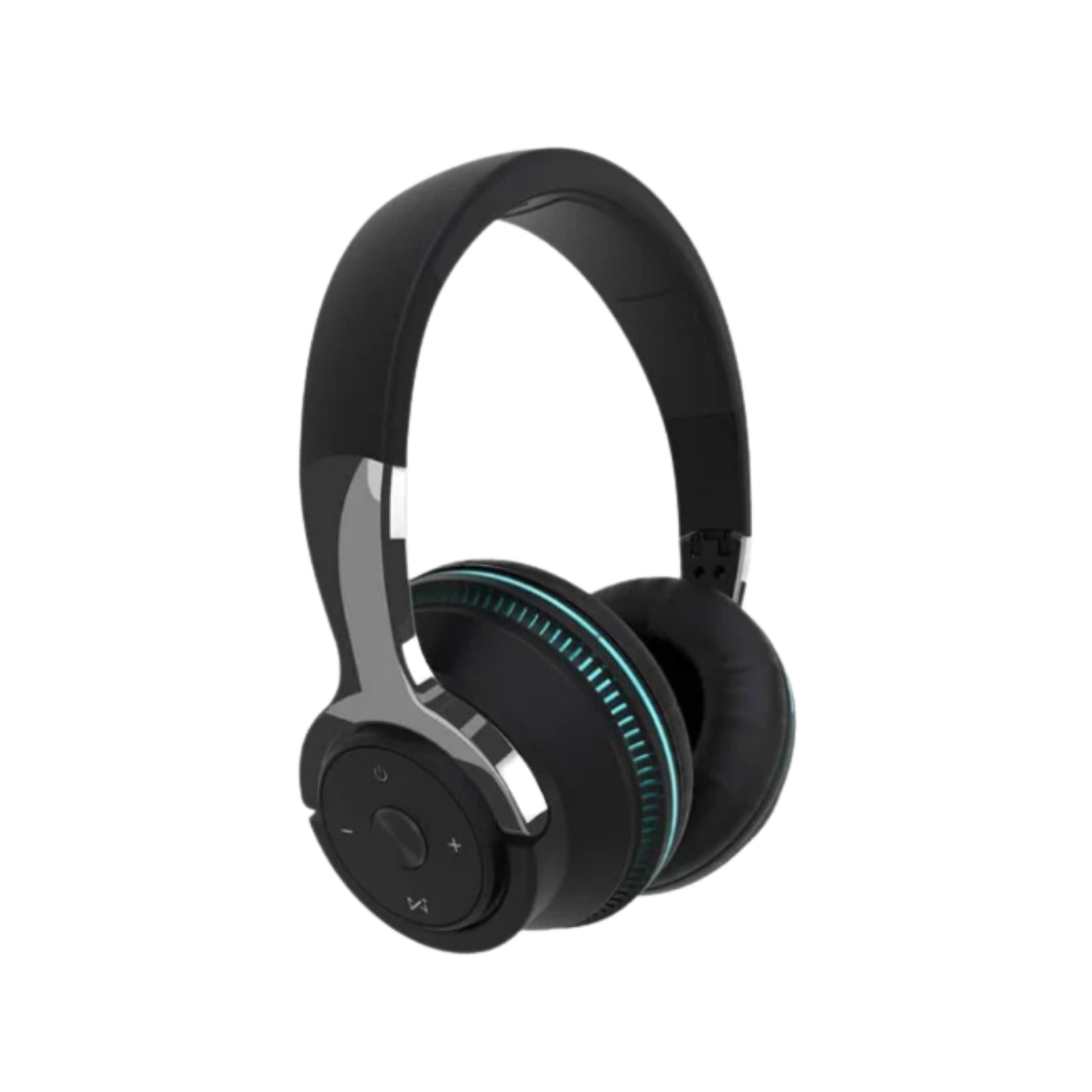




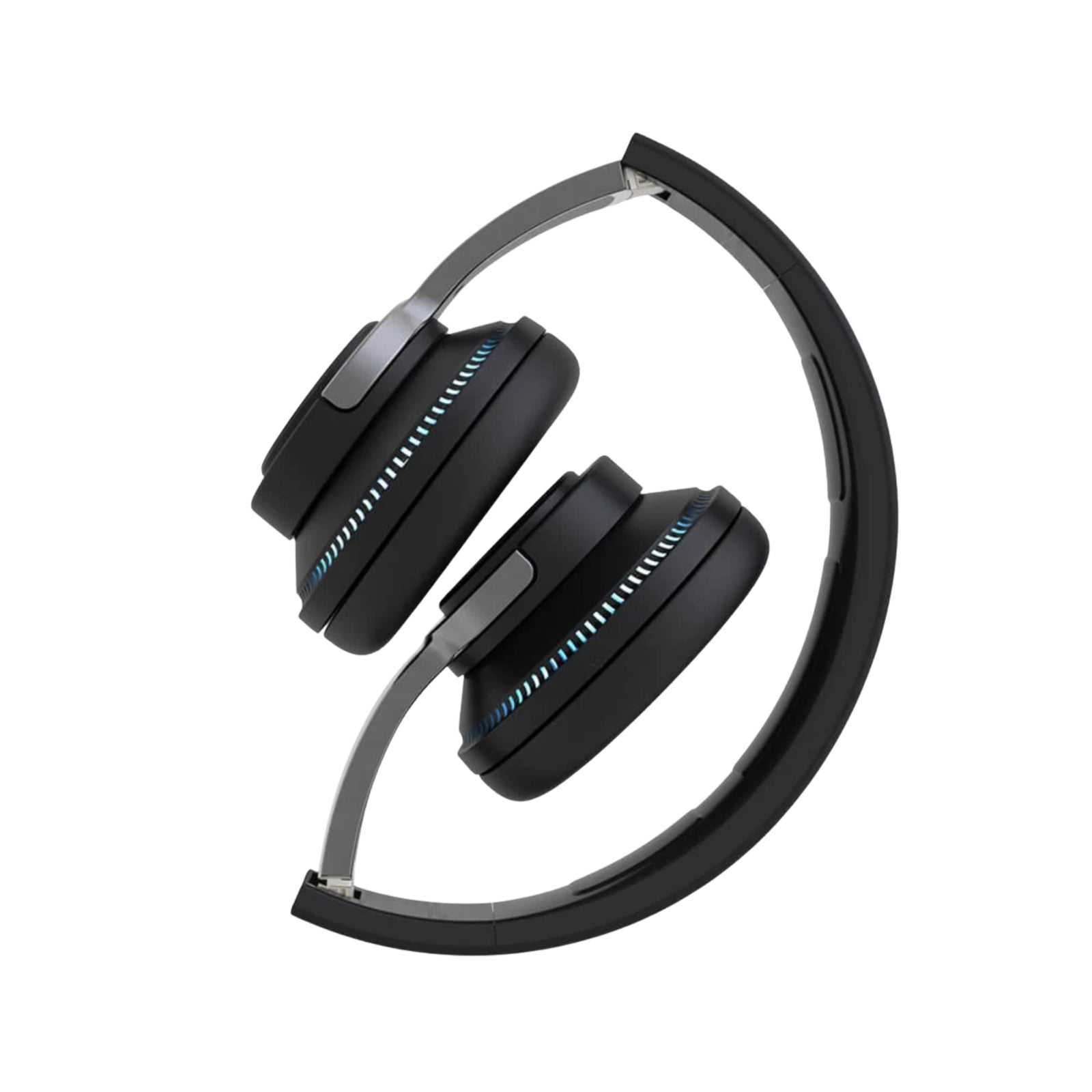

AeroBand Over-Ear Bluetooth Headphones – Low Latency Wireless Headphones with TF MP3, FM Radio & 3.5mm Audio
$75.00$89.00
Postage
We offer free shipping Australia wide. Same day dispatch cut-off at 12pm, exclusive weekends& public holidays. Express shipping service available at additional cost.
Shop with Confidence
60 Day Money Back Guaranty T&Cs applied READ MORE /policies/refund-policy
AeroBand Over-Ear Bluetooth Headphones are designed for music, audio and everyday listening. With Bluetooth 5.1 + EDR connectivity, these headphones provide a convenient wireless listening option, while the 3.5mm audio input allows use with compatible devices via a cable.
The headphones also support TF card MP3 playback and FM radio, providing multiple audio options in one compact design.
Key Features:
- Bluetooth 5.1 + EDR wireless connectivity
- Approx. 10–30m wireless operating range
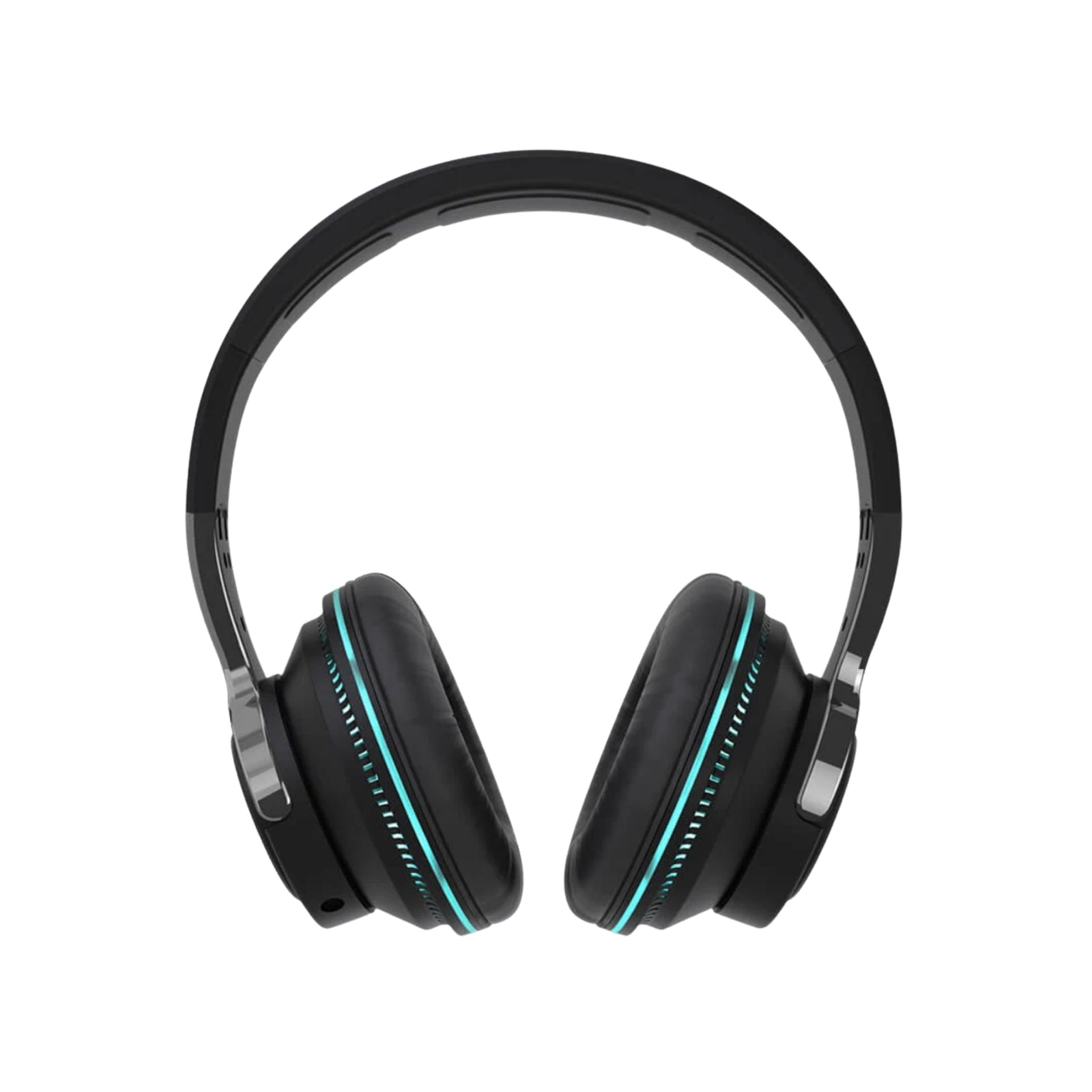
- Over-ear headphone design
- 3.5mm wired audio input
- TF card MP3 playback
- FM radio function
- Built-in LED lighting
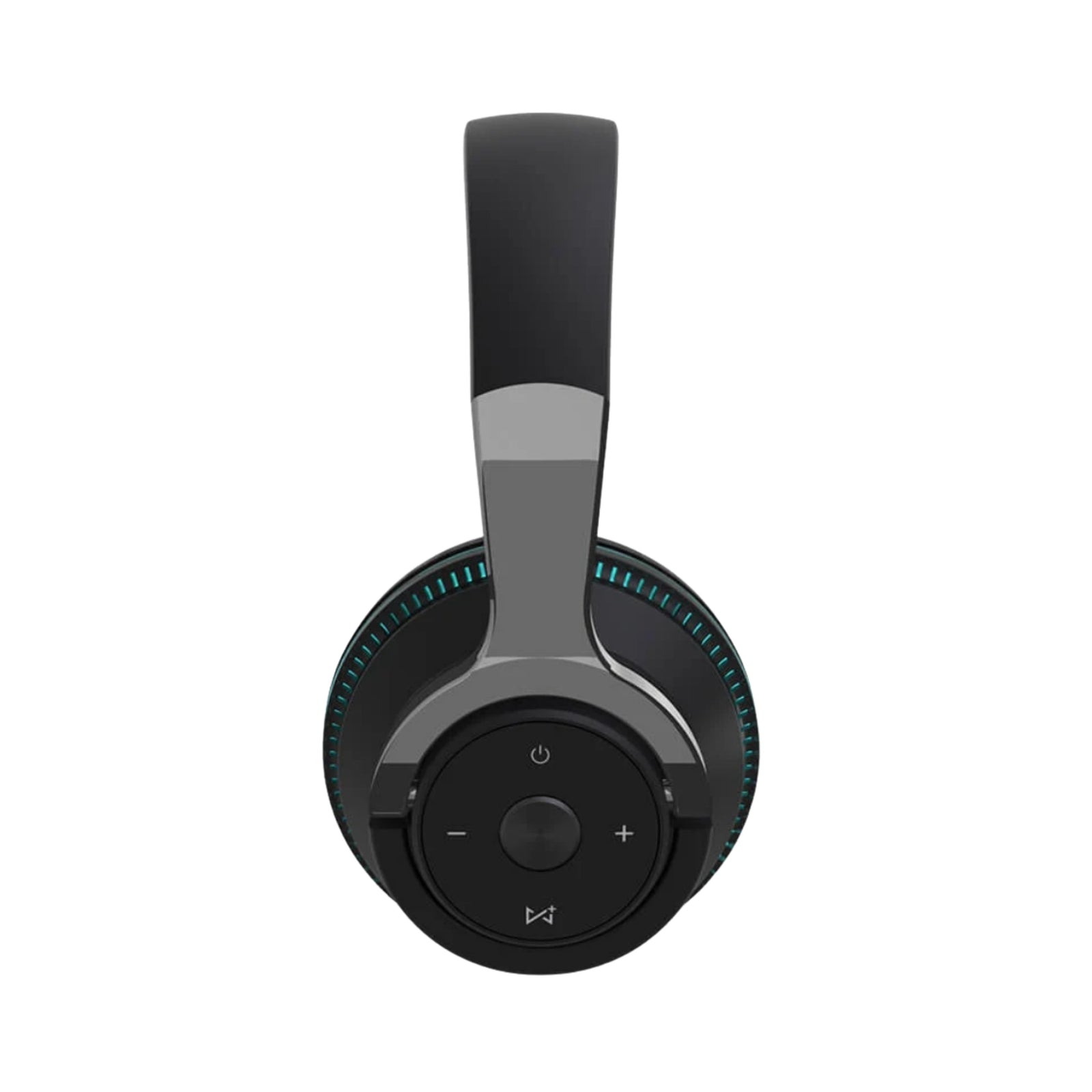
- Music play and pause control
- Previous and next track control
- Volume adjustment
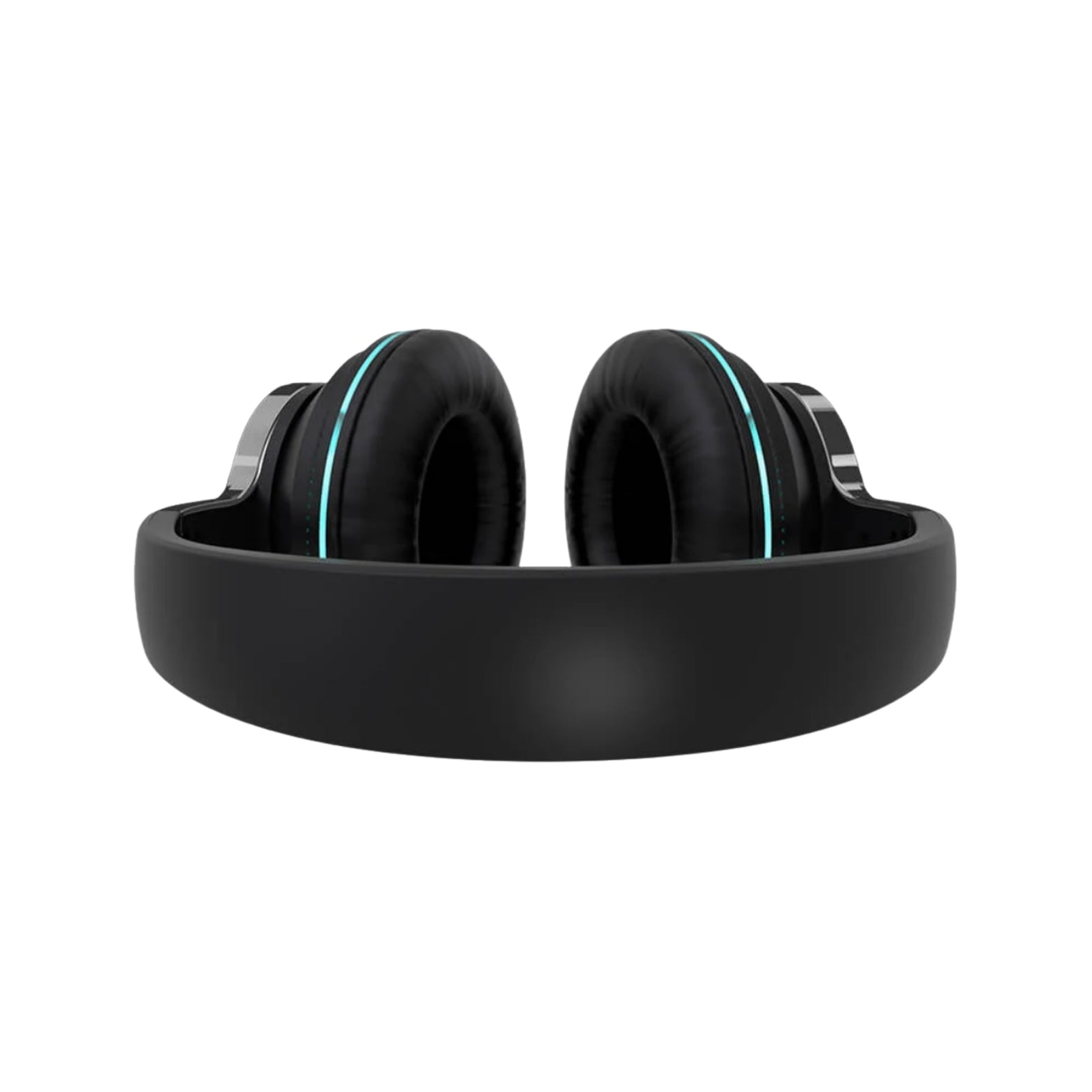
- Adjustable telescopic headband
- Rechargeable 650mAh battery
- USB charging port
- Approx. 2–3 hours charging time
Bluetooth Connection:
- Press and hold the Power button to turn on the headphones.
- The headphones will enter Bluetooth pairing mode and the indicator will flash blue.
- Open Bluetooth settings on your compatible device.
- Select the AeroBand headphones from the available devices to complete pairing.
TF Card Mode:
Insert a TF card containing compatible MP3 music files. The headphones will automatically switch to MP3 mode.
FM Radio Mode:
Long press the Function button to switch to FM Radio mode, then press the Function button to start channel searching.
Wired Audio:
Connect the headphones to a compatible PC, mobile device or other audio equipment using the 3.5mm audio input.
Specifications:
Bluetooth Version: V5.1 + EDR
Wireless Range: Approx. 10–30m
Output Power: 40mW
Frequency Response: 20Hz–20kHz
Impedance: 32Ω
Battery Capacity: 650mAh
Charging Time: Approx. 2–3 hours
Weight: Approx. 222g
What's Included
- 1 × AeroBand Over-Ear Bluetooth Headphones
- 1 × Charging Cable
- 1 × 3.5mm Audio Cable
Note: For the lowest latency when using AeroBand PocketDrum, a wired 3.5mm connection is recommended.